
Kubernetes Logging
Kubernetes event logs
To stream Kubernetes events into your workspace startup logs, you can use
Coder's coder-logstream-kube
tool. coder-logstream-kube provides useful information about the workspace pod
or deployment, such as:
- Causes of pod provisioning failures, or why a pod is stuck in a pending state.
- Visibility into when pods are OOMKilled, or when they are evicted.
Installation
Install the coder-logstream-kube helm chart on the cluster where the
deployment is running.
helm repo add coder-logstream-kube https://helm.coder.com/logstream-kube
helm install coder-logstream-kube coder-logstream-kube/coder-logstream-kube \
    --namespace coder \
    --set url=
Example logs
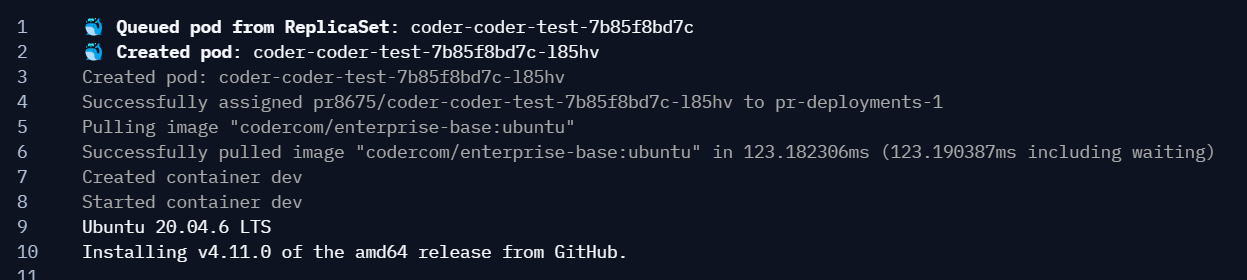
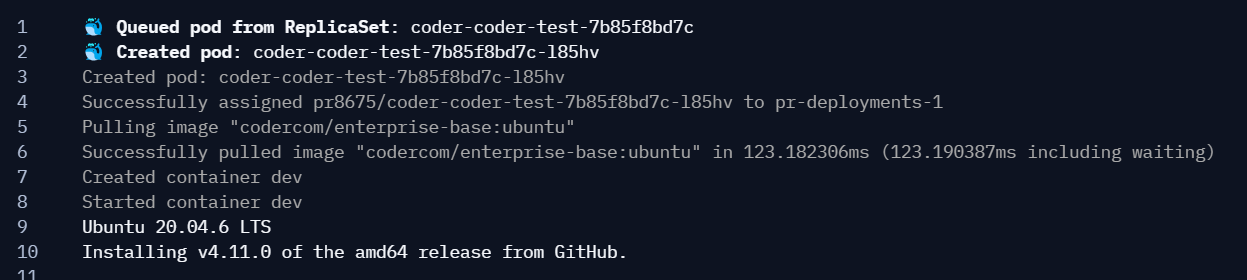
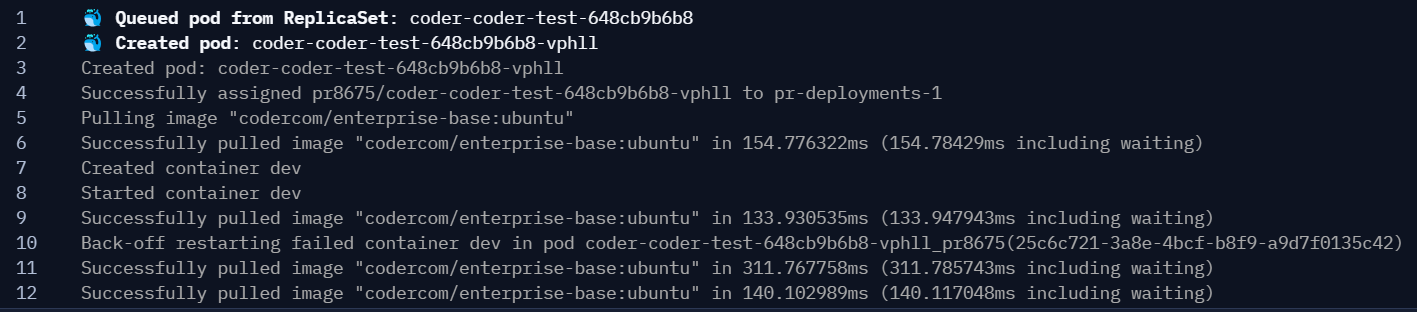
Here is an example of the logs you can expect to see in the workspace startup logs:
Normal pod deployment
Wrong image
Kubernetes quota exceeded

Pod crash loop
How it works
Kubernetes provides an informers API that streams pod and event data from the API server.
coder-logstream-kube listens for pod creation events with containers that have the CODER_AGENT_TOKEN environment variable set. All pod events are streamed as logs to the Coder API using the agent token for authentication. For more details, see the coder-logstream-kube repository.