
Web IDEs and Coder Apps
Web IDEs
By default, Coder workspaces allow connections via:
- Web terminal
- SSH
It's common to also connect via web IDEs for uses cases like zero trust networks, data science, contractors, and infrequent code contributors.

In Coder, web IDEs are defined as coder_app resources in the template. With our generic model, any web application can be used as a Coder application. For example:
To learn more about configuring IDEs in templates, see our docs on template administration.
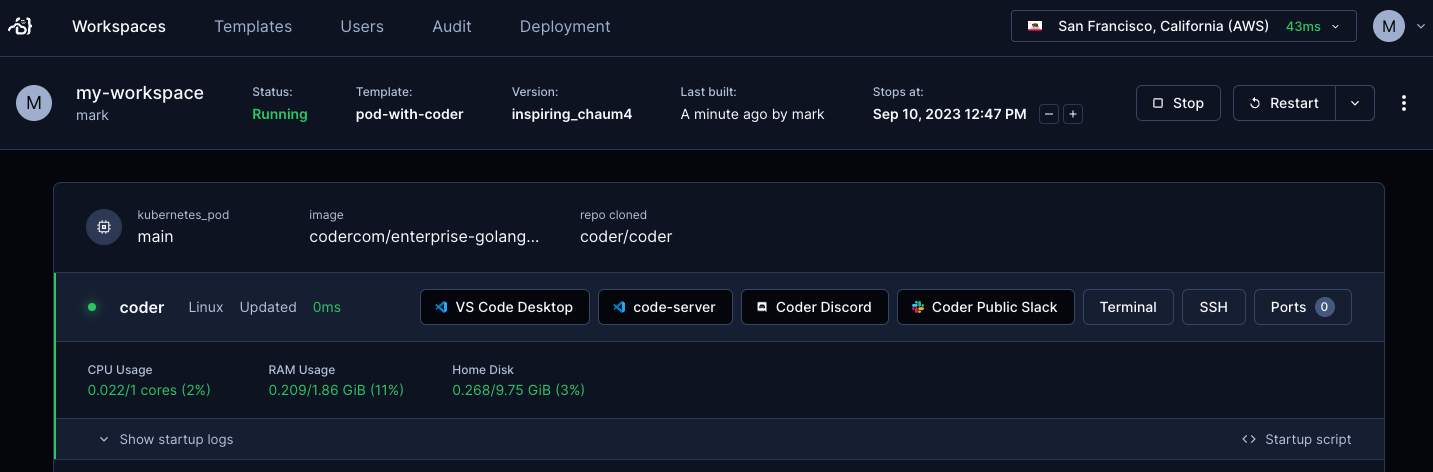
code-server
code-server is our supported method of
running VS Code in the web browser. You can read more in our
documentation for code-server.
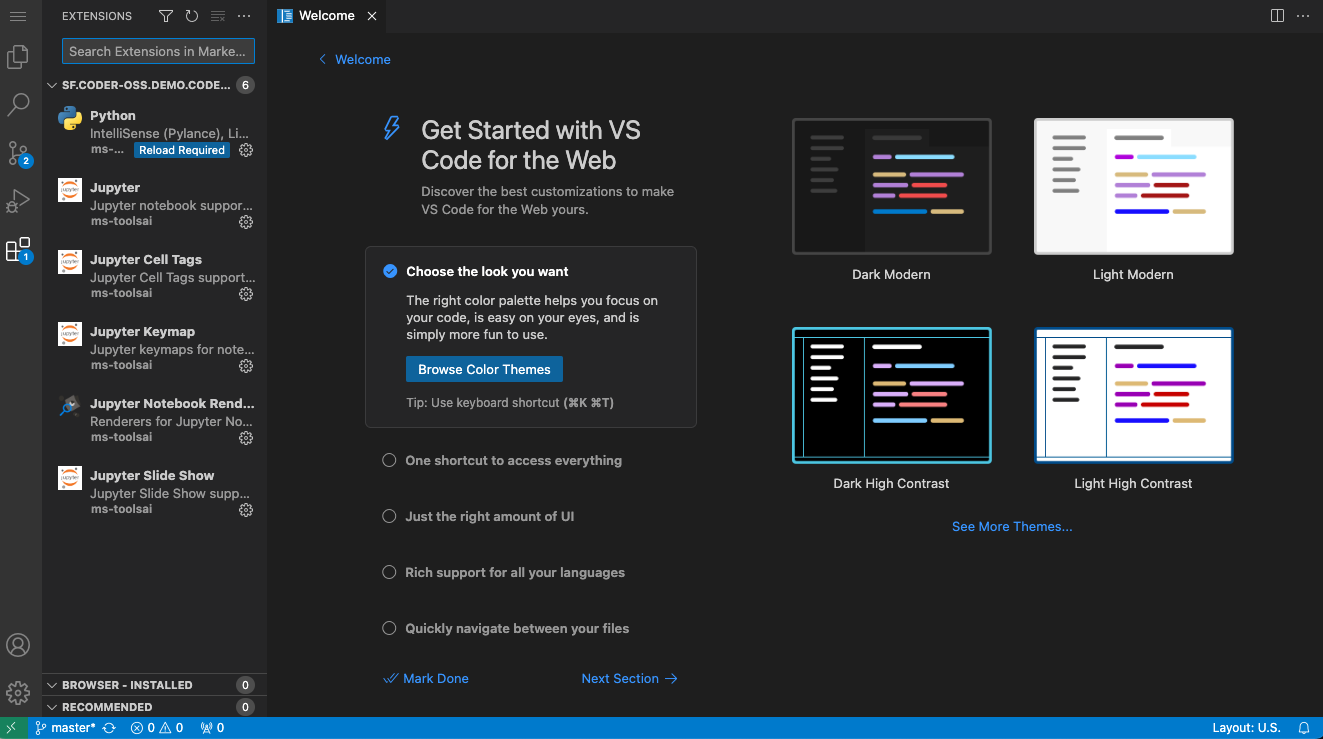
VS Code Web
We also support Microsoft's official product for using VS Code in the browser. A template administrator can add it by following the Extending Templates guide.
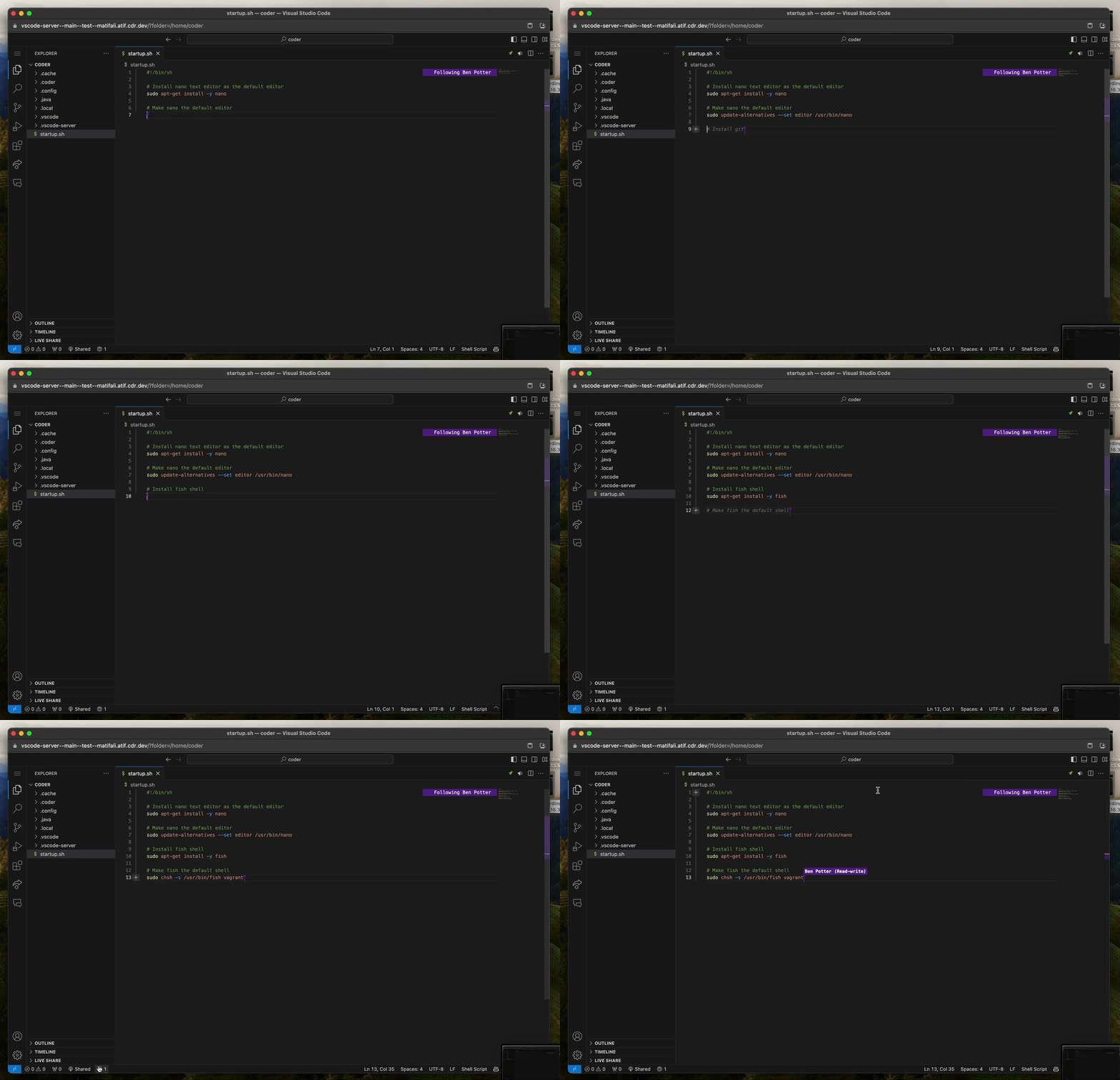
Jupyter Notebook
Jupyter Notebook is a web-based interactive computing platform. A template administrator can add it by following the Extending Templates guide.
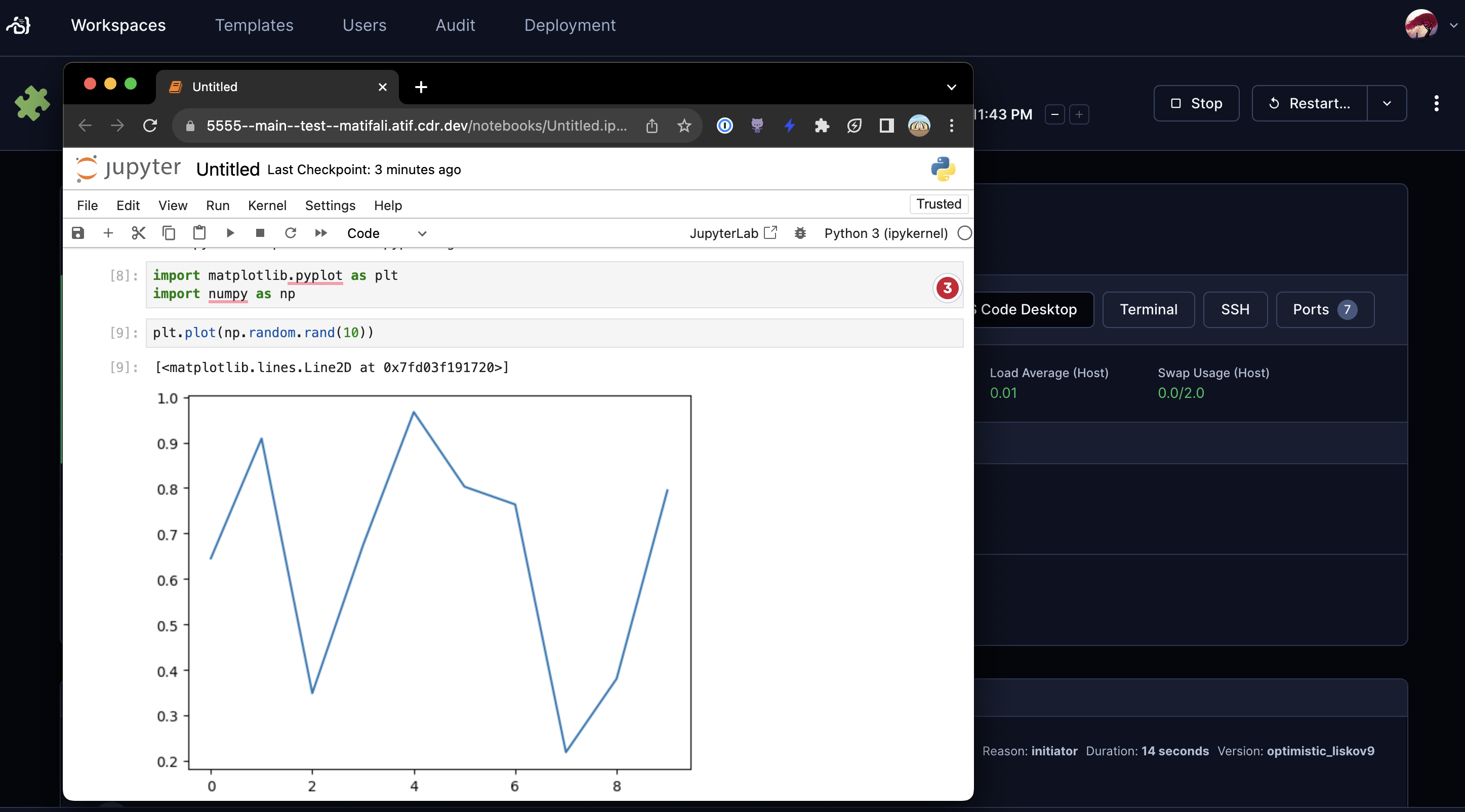
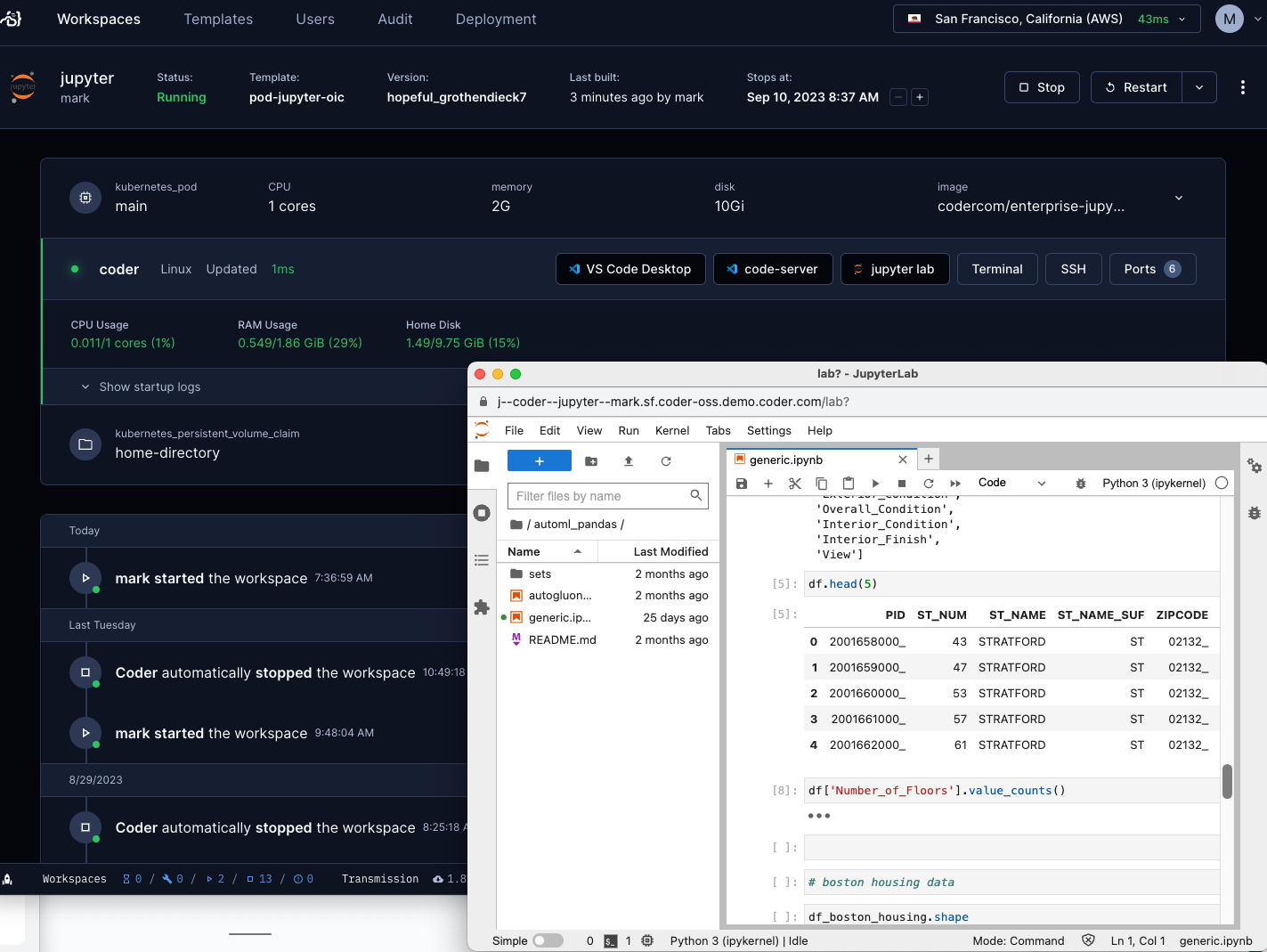
JupyterLab
In addition to Jupyter Notebook, you can use Jupyter lab in your workspace. A template administrator can add it by following the Extending Templates guide.
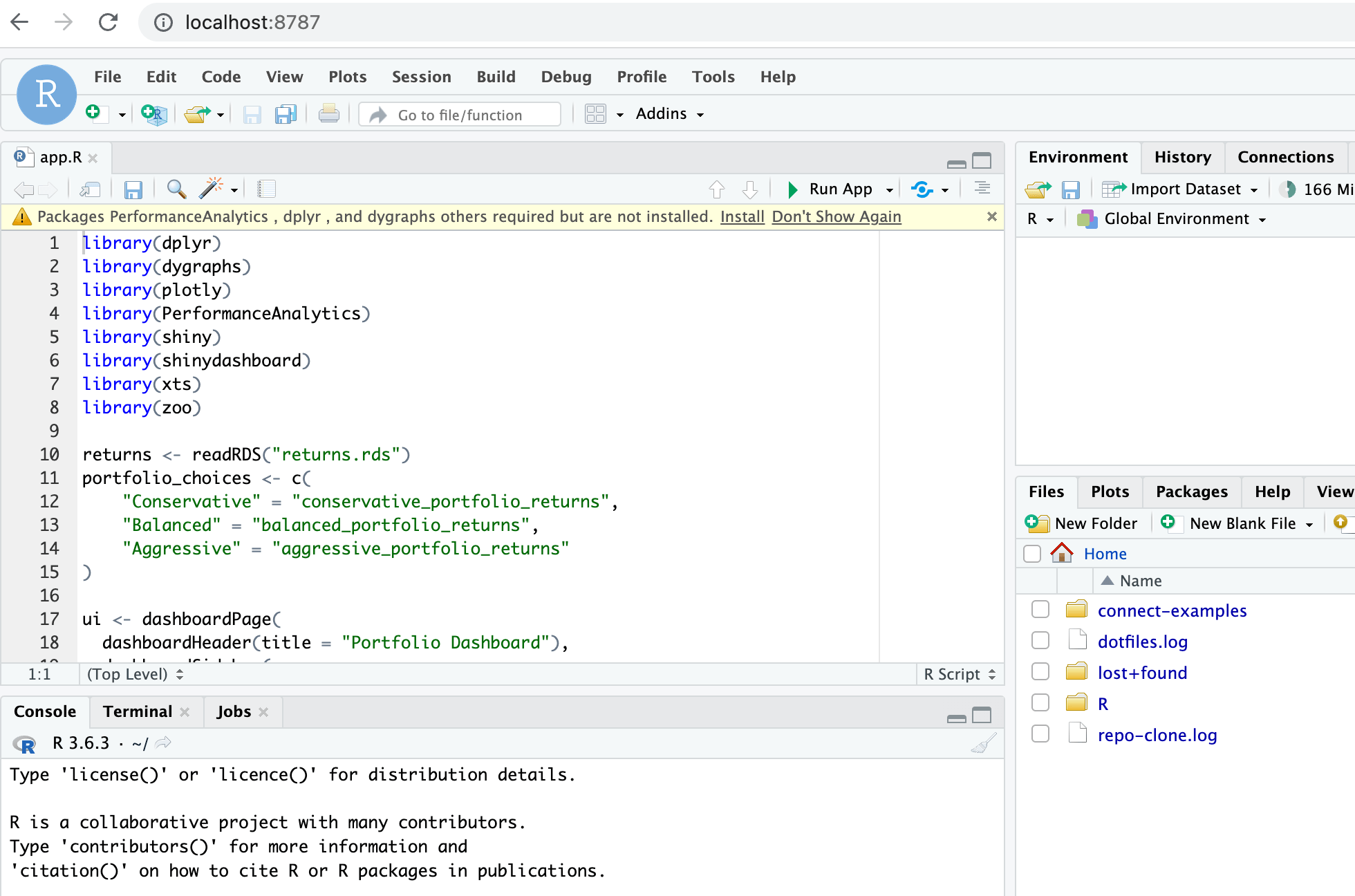
RStudio
RStudio is a popular IDE for R programming language. A template administrator can add it to your workspace by following the Extending Templates guide.
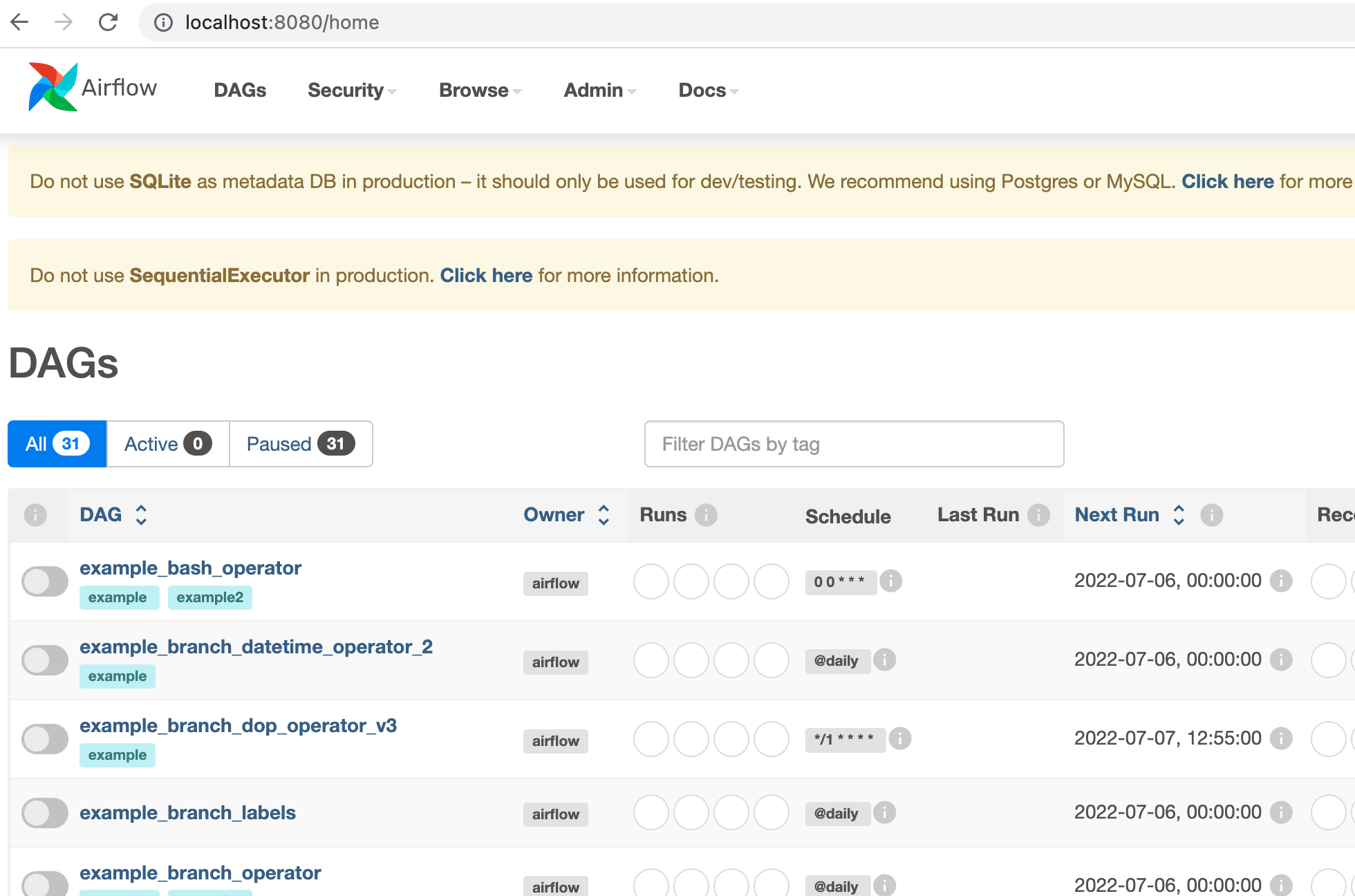
Airflow
Apache Airflow is an open-source workflow management platform for data engineering pipelines. A template administrator can add it by following the Extending Templates guide.
SSH Fallback
If you prefer to run web IDEs in localhost, you can port forward using
SSH or the Coder CLI port-forward sub-command. Some web IDEs
may not support URL base path adjustment so port forwarding is the only
approach.